Z-Order (Set Window Layer) BROKEN NEED TO FIX
A downloadable tool for Windows
PLATFORM
Windows 10 and Windows 11. Same ZOrder.exe for both. Not Linux as-is.
INTENT
Set priority layers on the fly — bring windows to the front or send them to the back. Works like z-index, but for real OS windows.
I made the first working version of Z-Order. I’ll keep posts lively in the devlog as it grows.
No more WindowTop live-service dependency. Enjoy a non–live-service product: download once and use it. Local tray utility — no forced updater, no telemetry, no admin required.
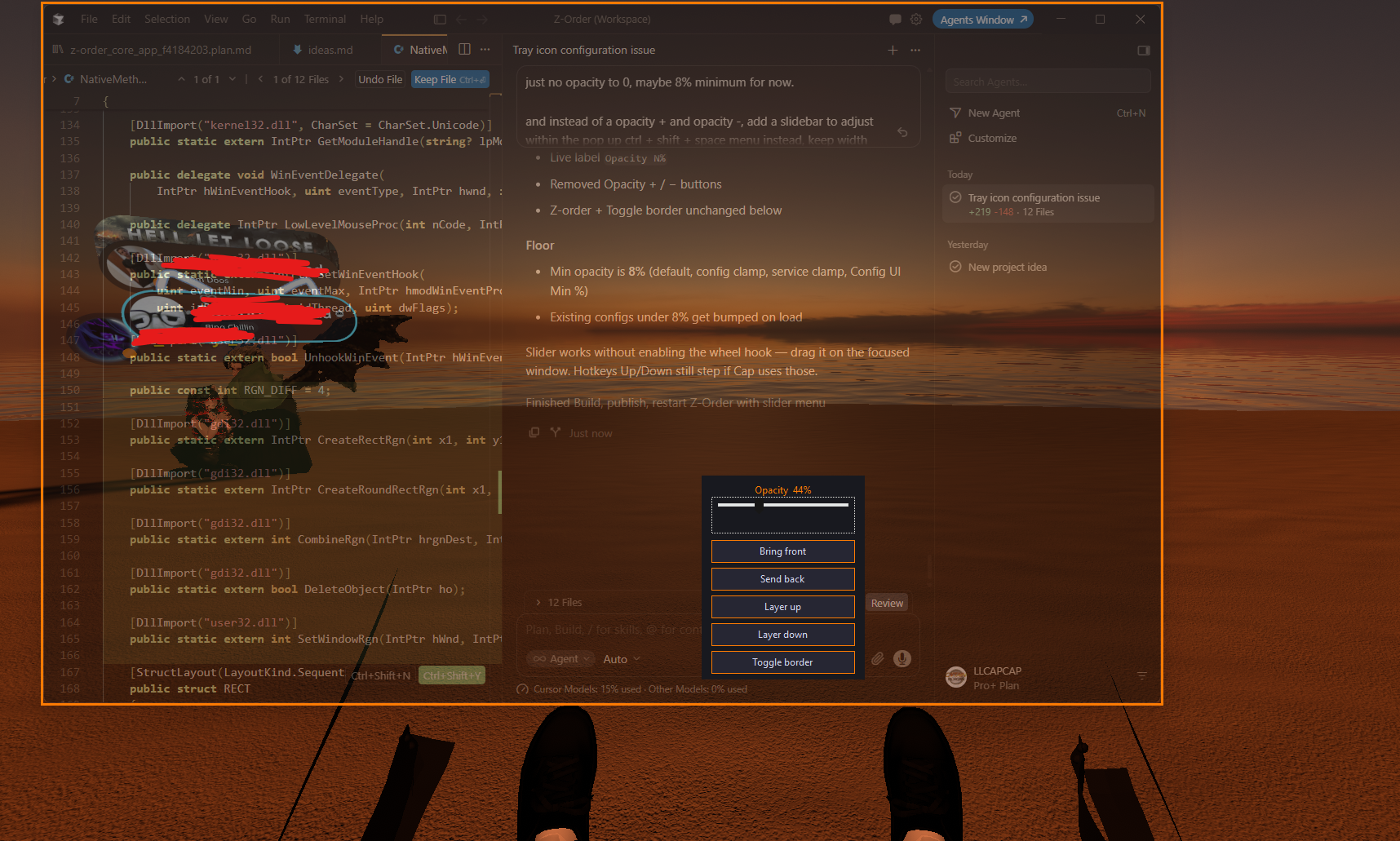
SEE SCREENSHOTS!
WHAT IT DOES
- Move the foreground window up / down one Z layer, or jump to front / back of its band
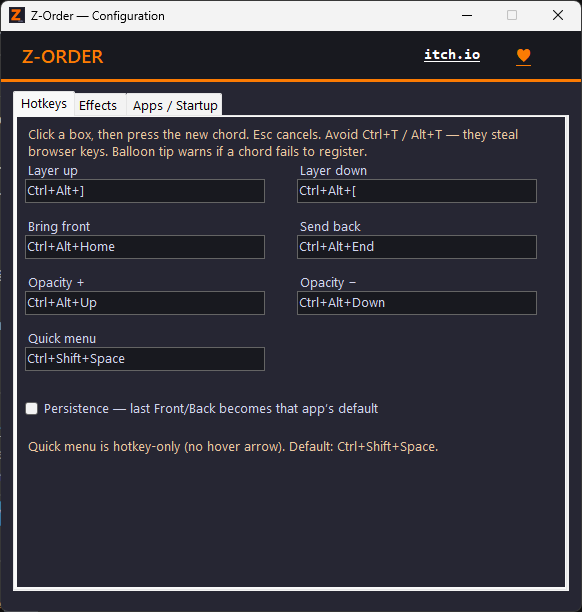
- Remappable global hotkeys (defaults below — change them in Configuration)
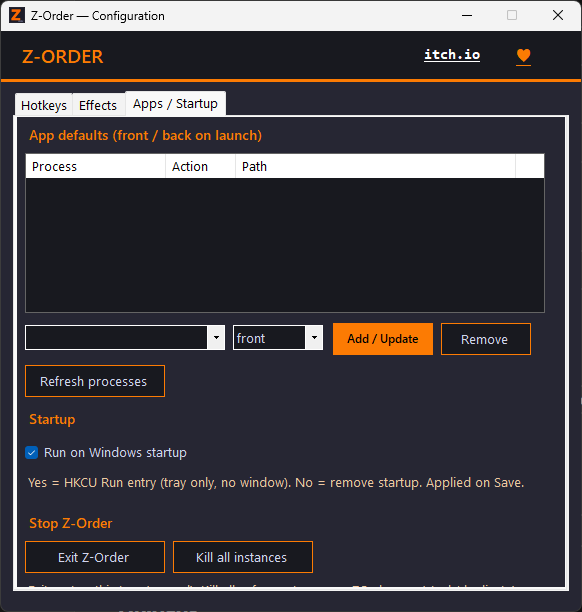
- Optional per-app launch defaults (front / back) + persistence mode
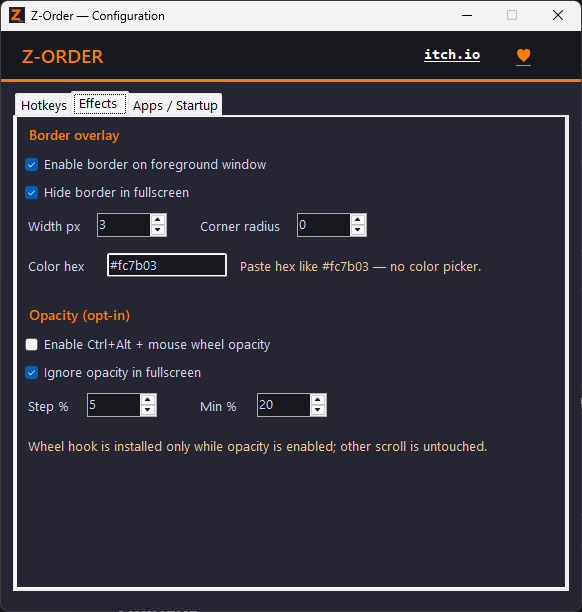
- Optional border overlay + opacity controls (opt-in)
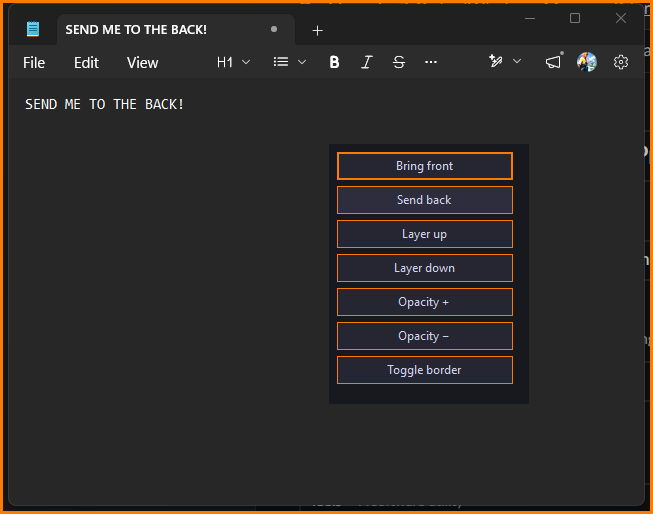
- Quick menu hotkey for Front / Back / Layer / Opacity / border toggle
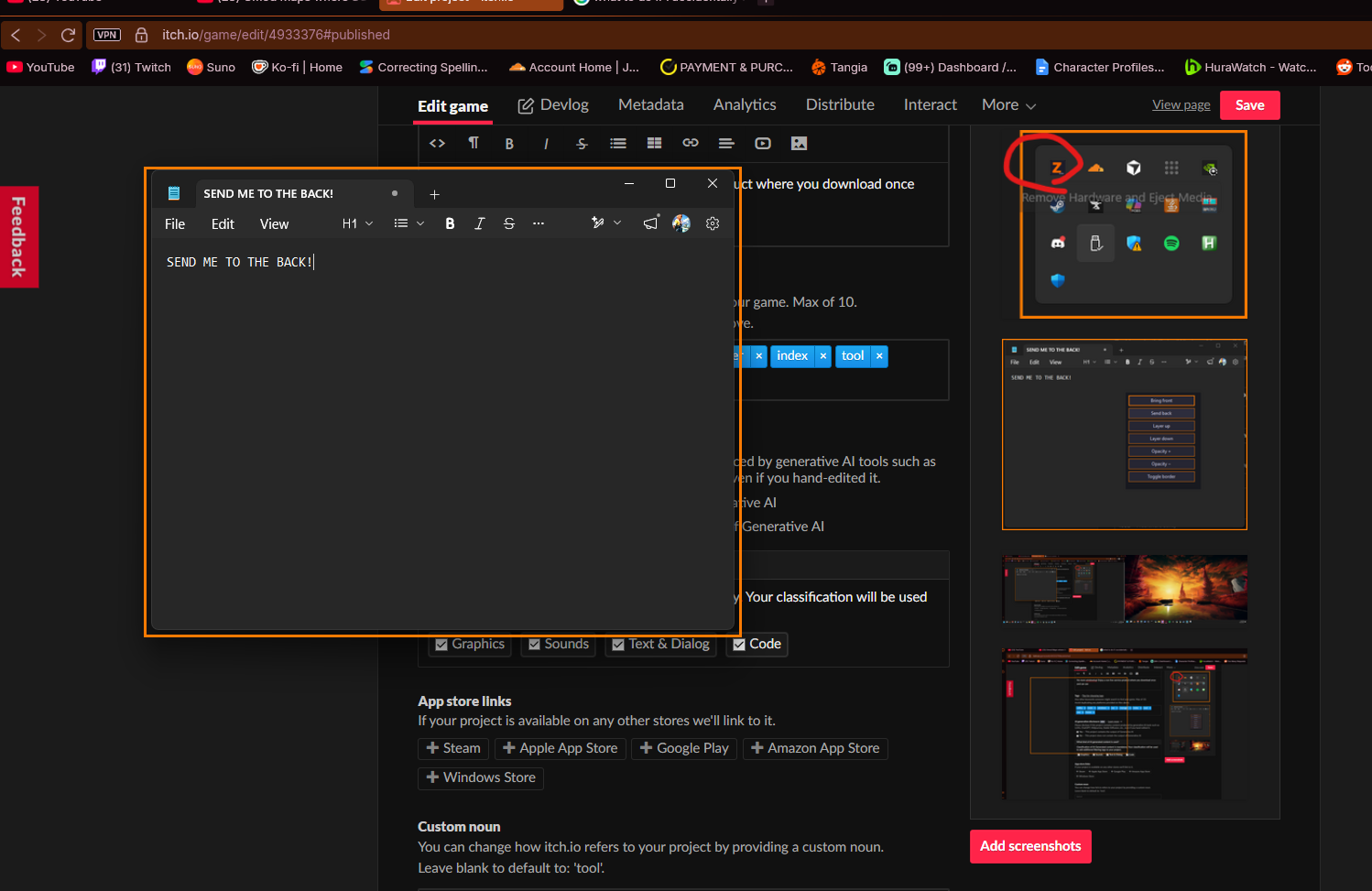
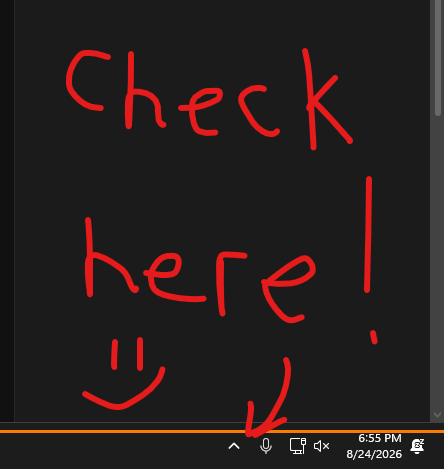
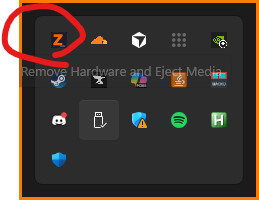
- Runs in the system tray (orange Z) — no splash window on normal launch
DEFAULT HOTKEYS (remap in Configuration)
Ctrl+Alt+]— push window up one layerCtrl+Alt+[— push window down one layerCtrl+Alt+Home— bring to front of bandCtrl+Alt+End— send to back of bandCtrl+Alt+Up/Down— opacity ± (when opacity enabled)Ctrl+Shift+Space— quick menu
OUT OF SCOPE (v1)
Always-on-top pin mode, click-through, picture-in-picture, and hover-arrow toolbars are not in this first ship. Layer control first — more later if Cap adds it.
INSTALL
- Download Z-Order-ByCap.zip and unzip to a folder you keep.
- Run
install-win11.batorinstall-win10.bat(orinstall.batto auto-pick). That registers optional startup and starts the tray app. - Or double-click
ZOrder.exedirectly. - If you don’t see a window: check the taskbar tray / hidden icons for the orange Z. Double-click the tray icon (or run
ZOrder.exe /config) for Configuration. - If Windows SmartScreen appears: More info → Run anyway (unsigned indie build).
Uninstall startup: uninstall-win10.bat / uninstall-win11.bat / uninstall.bat. Force-stop every instance: kill-zorder.bat.
Config file: %AppData%\Z-Order\config.json
LINKS
itch profile: https://capscrewunlimited.itch.io
tips / Donate: https://buymeacoffee.com/capcap
(Donate + itch links also sit in the Configuration window — never shoved at you on tray launch.)
LICENSE
CapCrew proprietary — personal use. Licensed, not public domain. Please don’t re-distribute. See LICENSE.txt in the zip.
Download
Click download now to get access to the following files:
Development log
- bugged - will fix this weekend13 hours ago
- Z-ORDER QUICK FIX 14 days ago
Leave a comment
Log in with itch.io to leave a comment.